Attribution
Part of Ecommerce acquisition attribution
Interpreting unattributed and direct traffic
“Direct” and “unknown” are reporting labels, not customer motivations.
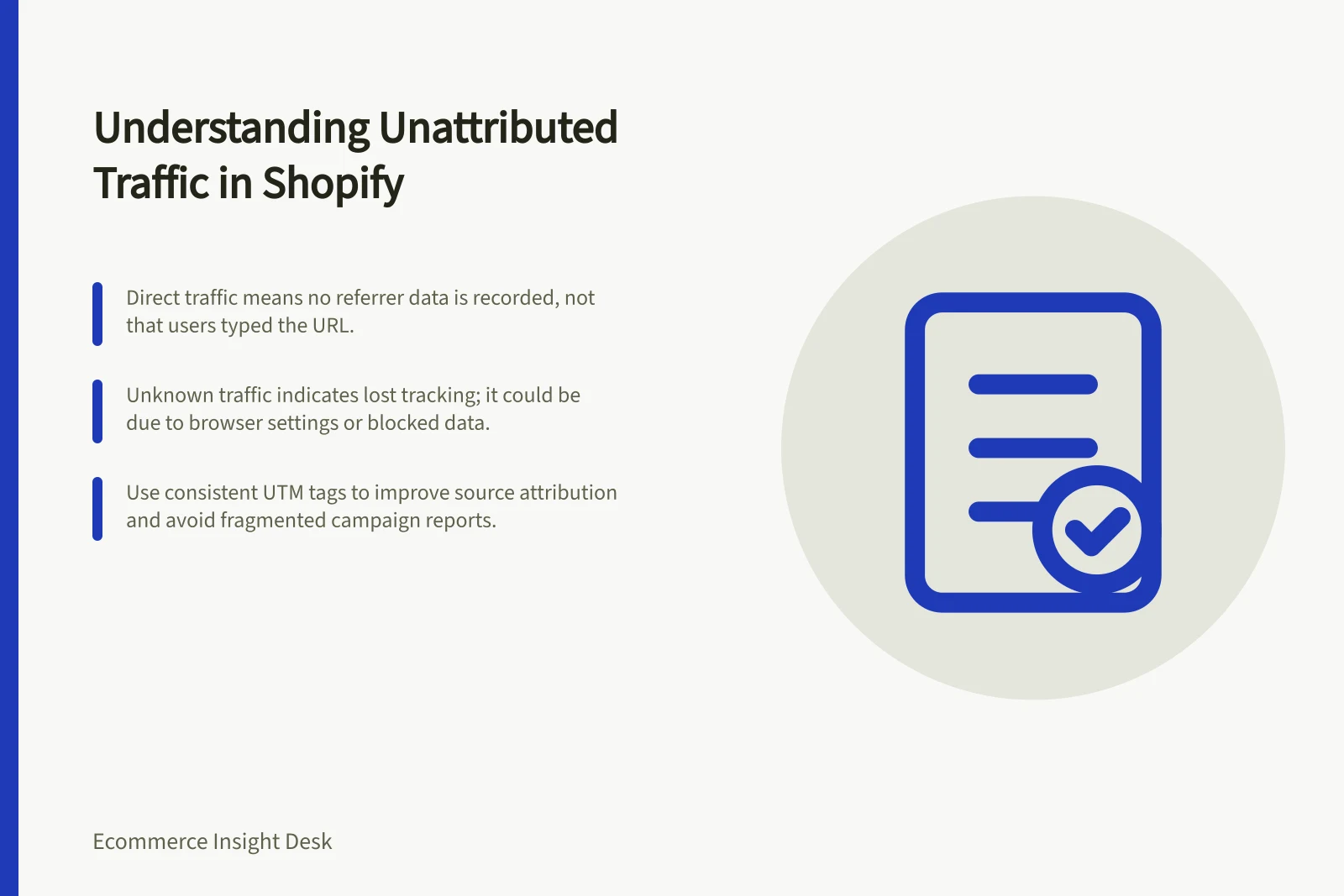
“Direct” and “unknown” are reporting classifications, not customer motivations. Read “direct” as a visit for which the report has no useful referrer; a typed address or bookmark is one possibility, but browser settings, redirects or blocked data can also leave a referrer missing. An “unknown” or unattributed row means the report has not assigned a usable source, but cannot tell you whether no referrer existed or tracking information was lost.
Shopify defines a referrer as the method a customer uses to reach a store, such as search or a link from an ad, email or website. A customer may visit more than once through different referrers, so these labels show what the report recorded, not a complete account of the journey.
Direct vs. Unattributed Traffic: What the Labels Really Mean
- Direct TrafficVisit with no identifiable referrer; could be typed URL, bookmark, or missing tracking data due to browser settings or redirects.
- Unattributed (Unknown) TrafficNo usable source assigned; cannot confirm if referrer was missing or tracking data was lost during the journey.
Inspect definitions first
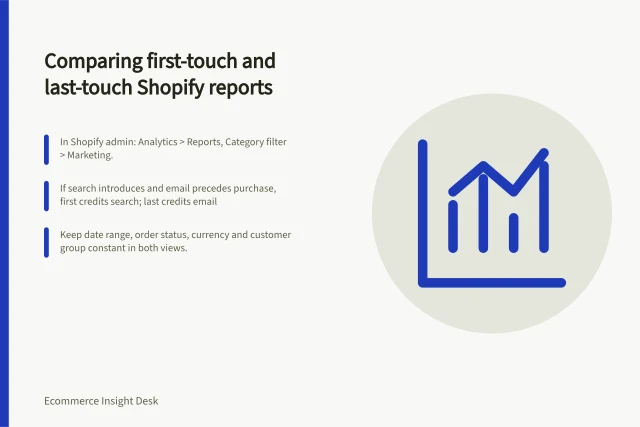
Shopify’s Marketing reports are in Shopify admin under Analytics > Reports; filter the Category to Marketing. They summarise information from all Online Store channel orders, while Shopify directs users to Conversion tracking for visit or conversion information about a single order.
Shopify categorises referrers as first interaction, which introduced the customer, or last interaction, which the customer used just before ordering. In Shopify’s example, a customer who clicks a Facebook ad and buys immediately has Facebook as both referrers; this identifies recorded credit, not any earlier unrecorded discovery.
Google Analytics 4 (GA4) can read UTM parameters on links to identify source, medium and campaign. Check utm_source, utm_medium and utm_campaign; one example uses linkedin, paid_social and spring_launch, respectively.
Use consistent spelling and case for values across email, paid social and QR-code links; typos and inconsistent names can fragment campaign reporting. Tags can identify visits that carry them, but do not reveal an untagged earlier interaction or why a visitor arrived.
For sample orders in each category, inspect the available session path, campaign parameters and checkout record under your privacy rules. Check whether tags survive redirects and whether payment or third-party domains appear as unwanted referrals; these checks can reveal observable breaks, but cannot restore a referrer the records never captured.
Key Metrics in Shopify Marketing Reports
- First Interaction Referrer
- Initial touchpoint that introduced the customer to the store.
- Last Interaction Referrer
- Touchpoint used just before purchase; may not reflect earlier discovery.
Best Practices for UTM Tagging and Referral Tracking
- Use consistent spelling and case in UTM valuesAvoid fragmentation in campaign reporting.
- Verify tags survive redirectsEnsure UTM parameters remain intact through link journeys.
- Check for third-party domains as referralsIdentify unwanted referral sources like payment gateways.
Report the uncertainty
Show direct, unknown and attributed order totals separately over time, using total confirmed orders from the commerce system as the denominator rather than only trackable visitors. A sudden shift after a site, consent or tagging change is a prompt to investigate, not proof that the change caused it.
If you estimate sources for unknown orders, state the method, assumptions and range; do not silently assign them to a favoured channel. Ask whether a plausible reassignment could change the decision at hand, then investigate observable tagging or referral paths where it could.
Fix observable tagging problems, then accept that some journeys will remain unobserved.
How to Investigate Sudden Shifts in Direct/Unattributed Traffic
- Compare total confirmed orders over timeUse commerce system totals as denominator, not trackable visitors.
- Identify triggers for changeLook for site updates, consent changes, or tagging adjustments.
- Estimate unknown sources transparentlyDocument assumptions, method, and range—never silently assign.
- Fix observable tagging issuesAccept that some journeys will remain unobserved.