Event Tracking
Ecommerce event tracking
Define ecommerce event triggers, item and order IDs, purchase rules and checks before relying on store reporting.
Ecommerce event tracking records the shopping actions a store can observe, from a product view to a purchase. Reliable tracking starts with a clear rule for when each event fires, what it carries and which system confirms an order. Adding an item to a basket does not mean an order was placed.
Define the events
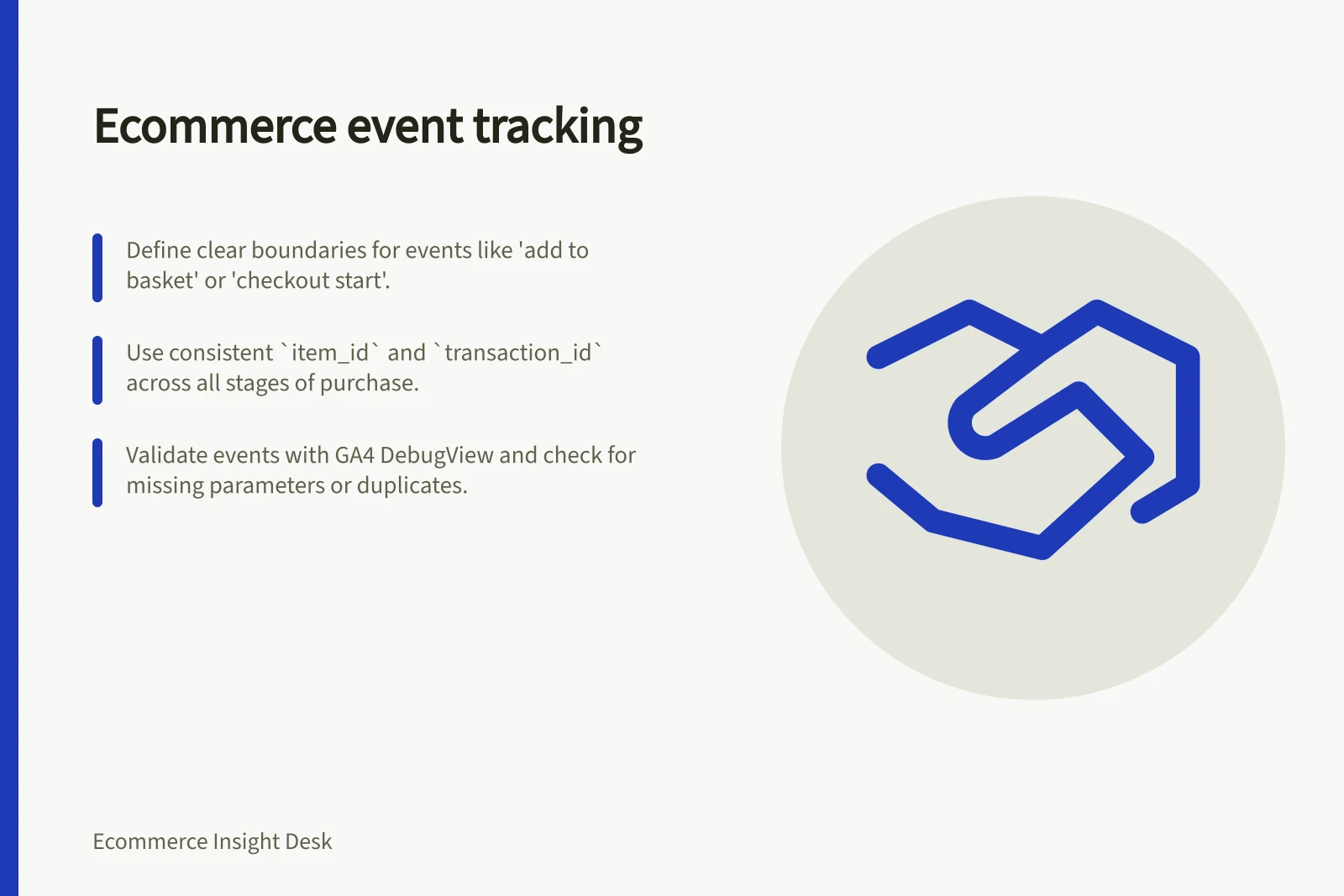
Map events to the store’s actual shopping paths. Google’s ecommerce guidance describes measuring actions such as selecting an item from a list, viewing item details, adding or removing a product from a basket, starting checkout, and making a purchase or refund. Check existing integrations before adding another sender.
| Observed action | Boundary to define |
|---|---|
| An item is selected from a list | Distinguish selection from viewing item details. |
| Item details are viewed | A list view is a different action. |
| An item is added to or removed from the basket | Define when each change counts as complete. |
| Checkout begins | A basket view does not establish checkout entry. |
| An order reaches the chosen purchase milestone | A payment attempt or confirmation-page view alone may not establish a new qualifying order. |
Express checkout, returning shoppers and payment redirects can take different routes. Record those routes before treating a missing intermediate event as abandonment.
Google Analytics sends some event types automatically, but additional recommended events require configuration before they can be used.
Specify the payload
Put information about the action at event level and product details in the items array. The GA4 validation example for a purchase includes transaction_id, value, currency and an items array; define the fields relevant to the store in the event contract.
When sending value, set currency; GA4 says this is the transaction’s base currency and is used for standard reporting. Document the store amount used so comparisons with order reports have a clear basis.
Choose a consistent item_id for each saleable item across views, basket actions and purchases. GA4 examples include item fields such as item_id and item_name; an ID is useful for following an item across stages.
Record whether that ID represents a parent product or a specific variant. Use a separate order-derived transaction_id for the purchase, without customer-identifying information.
Set every ecommerce parameter for which the store has data, even when that parameter is optional. An items array can contain up to 200 elements, and item arrays can include up to 27 custom parameters; keep the fields purposeful and consistent with the event contract.
GA4 Ecommerce Event Limits and Best Practices
- Currency field required for value
- Yes – used for standard reporting
- Duplicate transaction_id risk
- Can cause missing events
- Single Google tag per page
- Recommended to avoid duplicates
Give each purchase one sending rule
A confirmation page can reload, and multiple integrations can respond to the same order. Define one purchase milestone and coordinate senders for each destination. Assign a named team or role as accountable for collecting and maintaining events there.
Keep an order-level record that controls retries and investigate uncertain delivery rather than treating an attempted send as confirmed. GA4’s validation guidance lists duplicate transaction IDs as a possible cause of missing ecommerce events; check that IDs are assigned consistently and are not repeated unintentionally.
Treat a later refund separately. Google’s ecommerce guidance includes purchases and refunds among the actions an implementation may measure, and its validation example uses a refund event. Document how the store identifies and reports a refund; internal sales definitions may handle cancellations and order changes differently.
Validate the collection layer
Check the implementation as well as the resulting reports. For a gtag.js setup, ecommerce events must be in JavaScript and placed after the Google tag; an event placed in HTML or before the tag may not be collected.
Review event names, syntax and separators when an event is missing. Google Analytics can ignore an ecommerce event when a parameter is missing its comma, and may also ignore events that follow it. Incorrect event names and syntax errors are other documented causes of missing collection.
Keep one Google tag or one Google Tag Manager instance per page to reduce duplicate ecommerce events. During validation, check that the event name and its parameters arrive as intended; where an items array is sent, inspect the item data as well as event-level fields.
Verify before relying on the reports
Walk through representative product, basket, checkout and order paths. Compare the event emitted at each stage with the fields received by the destination. GA4 DebugView can display collected event and item parameters.
Include paths such as an express checkout, a removed item, a payment retry and a return to the confirmation page. Then monitor missing item IDs, missing purchase fields and unmatched transaction IDs.
Keep the event name, trigger, source, item-ID rule, amount rule, order milestone and destination together in an event contract.
In this guide
- Mapping product views, baskets and checkout stepsMap product, basket and checkout actions to precise ecommerce event triggers, including express routes and skipped steps.
- Checking product IDs across tracking eventsAudit item IDs from product view through purchase. Find parent and variant switches, missing IDs and catalogue mapping changes.
- Preventing duplicate purchase eventsControl repeated purchase tracking with one order milestone, stable transaction IDs and coordinated sends; trace where duplicates begin.