Event Tracking
Part of Ecommerce event tracking
Mapping product views, baskets and checkout steps
Map product, basket and checkout actions to precise ecommerce event triggers, including express routes and skipped steps.
Map each shopping event to an action the shopper actually completes. Define the trigger, the items present at that point and any route that skips a step. A product detail view, basket view and checkout entry are separate observations, even when they happen close together.
Draw the store’s paths
Include the product page, basket, checkout, express payment and redirects where they affect the route. Note when a variant becomes known: a shopper may view a product before choosing a size, add a selected size and later change the basket quantity. For GA4, use this trigger map as a starting point:
| Shopper action | Event | Trigger question |
|---|---|---|
| Item details are viewed | view_item | Did the shopper reach the item detail view? |
| An item is added to the basket | add_to_cart | Did the addition succeed? |
| Basket contents are viewed | view_cart | Was the basket shown without a new addition? |
| An item is removed | remove_from_cart | Which item and quantity were removed? |
| Checkout begins | begin_checkout | What is the first observable checkout entry point? |
| Shipping information is submitted | add_shipping_info, if applicable | Was a delivery choice or shipping submission made? |
| Payment information is submitted | add_payment_info, if applicable | Was the payment step submitted? |
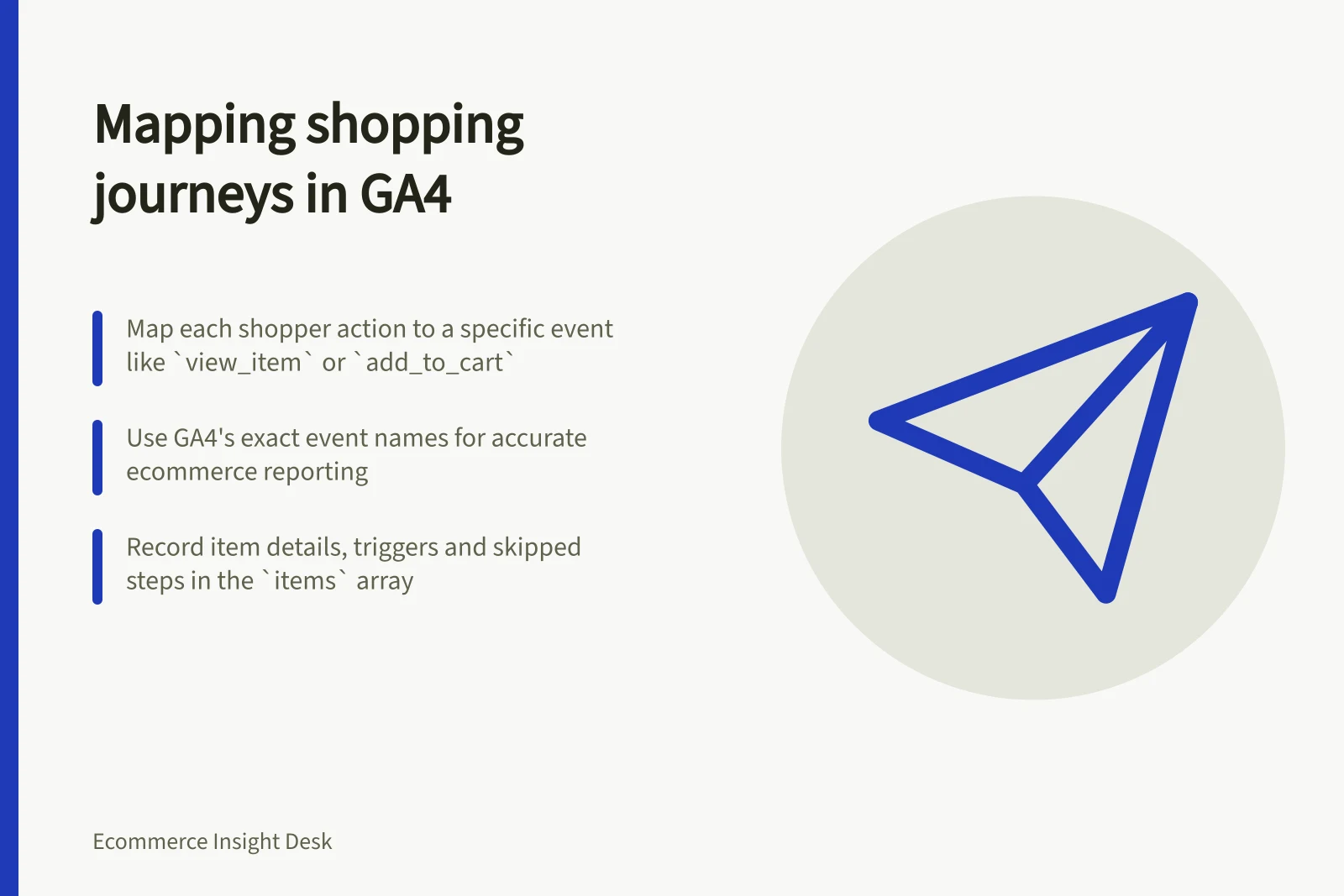
GA4 distinguishes a list view (view_item_list) from an item detail view (view_item), and a basket addition (add_to_cart) from a basket view (view_cart). Use the recommended event names exactly where you want GA4's ecommerce reporting: a custom name such as add_to_basket does not become add_to_cart automatically.
Record the trigger contract
For each event, record the store action, trigger location, sending owner and expected payload. Decide whether repeating an action should emit another event. Adding the same item twice may produce two legitimate additions; a page re-render without another addition should not.
Tie the items array to the action. For add_to_cart, describe the items added; for view_cart, describe the basket shown.
For begin_checkout, describe the items at checkout entry. Record when a product selection or quantity change updates that snapshot.
A store without a separate shipping step needs no invented shipping event. An express route may bypass the basket page, so a missing view_cart can be a valid path. Record such exceptions before interpreting stage counts.
Walk the paths
Check journeys that view a product without adding it, add and remove an item, change a variant and enter checkout by each available route. For each journey, compare the expected event order and item state with the emitted payload and destination view.
A DebugView event shows that GA4 collected that test event; it does not prove every shopper route is covered. Privacy controls or absent Analytics-cookie consent can also affect DebugView visibility. Record unexpected repetitions, missing events and genuinely skipped steps separately.