Event Tracking
Part of Ecommerce event tracking
Preventing duplicate purchase events
Control repeated purchase tracking with one order milestone, stable transaction IDs and coordinated sends; trace where duplicates begin.
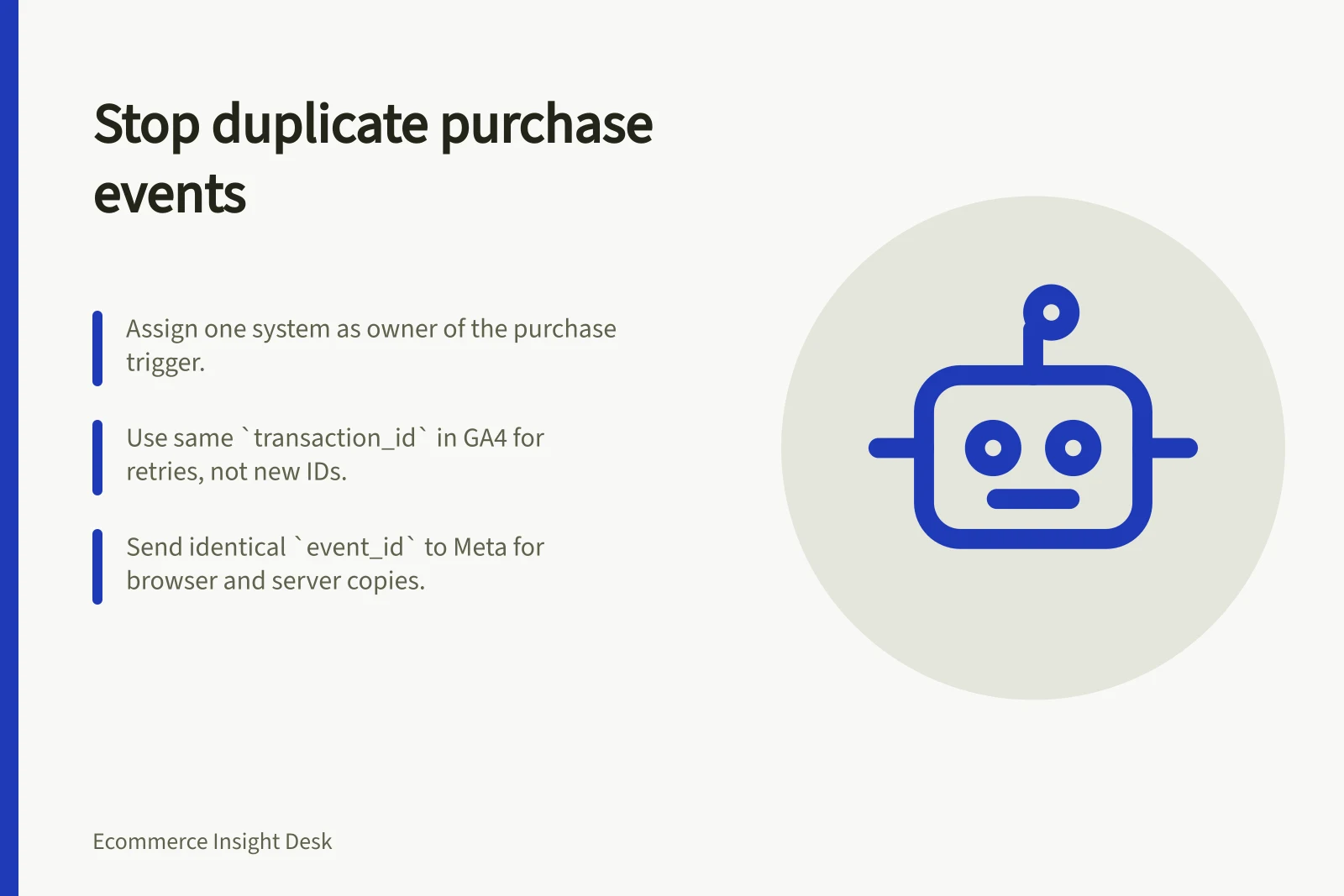
Prevent repeats by assigning one system ownership of the purchase trigger, keeping a stable order-derived identifier and controlling sends to each destination. GA4 uses transaction_id to help minimise duplicate key events; Meta can match browser and server copies using a shared event_id. Trace the event from the qualifying order through each send to find where repeats begin.
Choose the purchase milestone
One checkout may include a confirmation page, a payment callback and an order-status update. Choose the system that decides when an order qualifies as the sole purchase-event owner; prevent the other paths from independently sending purchase.
Test the rule against payment retries and confirmation-page revisits. A failed attempt followed by a successful payment must not create two purchases for one qualifying order. Keep the same order-derived transaction ID for that order; a genuinely new order needs its own ID.
Control retries and senders
For GA4, include transaction_id with the purchase event; the documented example is T_12345. Reuse the same value when retrying that order’s event, rather than creating a new transaction ID for each attempt.
For Meta browser Pixel and Conversions API copies of the same Purchase event, send the same event_id so Meta can recognise them as the same event. If browser and server routes both exist, assign one owner or coordinate both under this shared-ID rule.
Keep a per-order, per-destination send record with the event name, identifier, attempt and outcome. Record attempts separately from confirmed outcomes so an uncertain delivery can be investigated or retried without treating an attempted send as confirmed.
For each destination:
- Derive
transaction_idfrom a stable order identifier that is unique per order and contains no customer-identifying information. - Build the purchase payload from the agreed item and amount rules before sending it.
- Control repeat attempts using the order and destination as the key.
- Log attempts, payload versions and outcomes for investigation.
- Handle a later refund as a separate adjustment rather than a revised purchase with the same ID.
Trace repeated signals
Follow selected order IDs through the order record, event emission, tag or pixel firing, requests sent and destination reporting. This helps distinguish a source that emitted twice from two senders responding to one event, or from a difference in reporting definitions. A repeated raw signal is not automatically an extra order.
Check confirmation-page refreshes, payment-provider returns, browser navigation, payment retries and replayed server jobs where relevant. Inspect the actual tag configuration before attributing a repeat to a particular cause.
Use a controlled order journey to inspect the transaction ID and payload at each point. In GA4 DebugView, select the purchase event to inspect its parameters and, when present, the items array; this shows what GA4 collected, not whether another destination matched browser and server copies. For Meta, check destination diagnostics for deduplicated events.
Compare qualifying order IDs with purchase transaction IDs under the same period and status rule, then investigate repeated or unmatched IDs. Trace the attempt record and sent requests for those orders to identify which path emitted each signal.
GA4 and Meta Event Deduplication Guidelines
- GA4: Use `transaction_id`
- Required to prevent duplicates; example: T_12345
- Meta: Share `event_id`
- Same value across browser and server copies enables deduplication
- Audit tool: GA4 DebugView
- Inspect parameters and items array to verify collected data
- Meta diagnostics
- Check for deduplicated events in destination reporting