Data Quality
Part of Ecommerce data quality
Reconciling event totals across measurement tools
Align event definitions and reporting periods, match purchase records when possible, and investigate gaps between measurement tools.
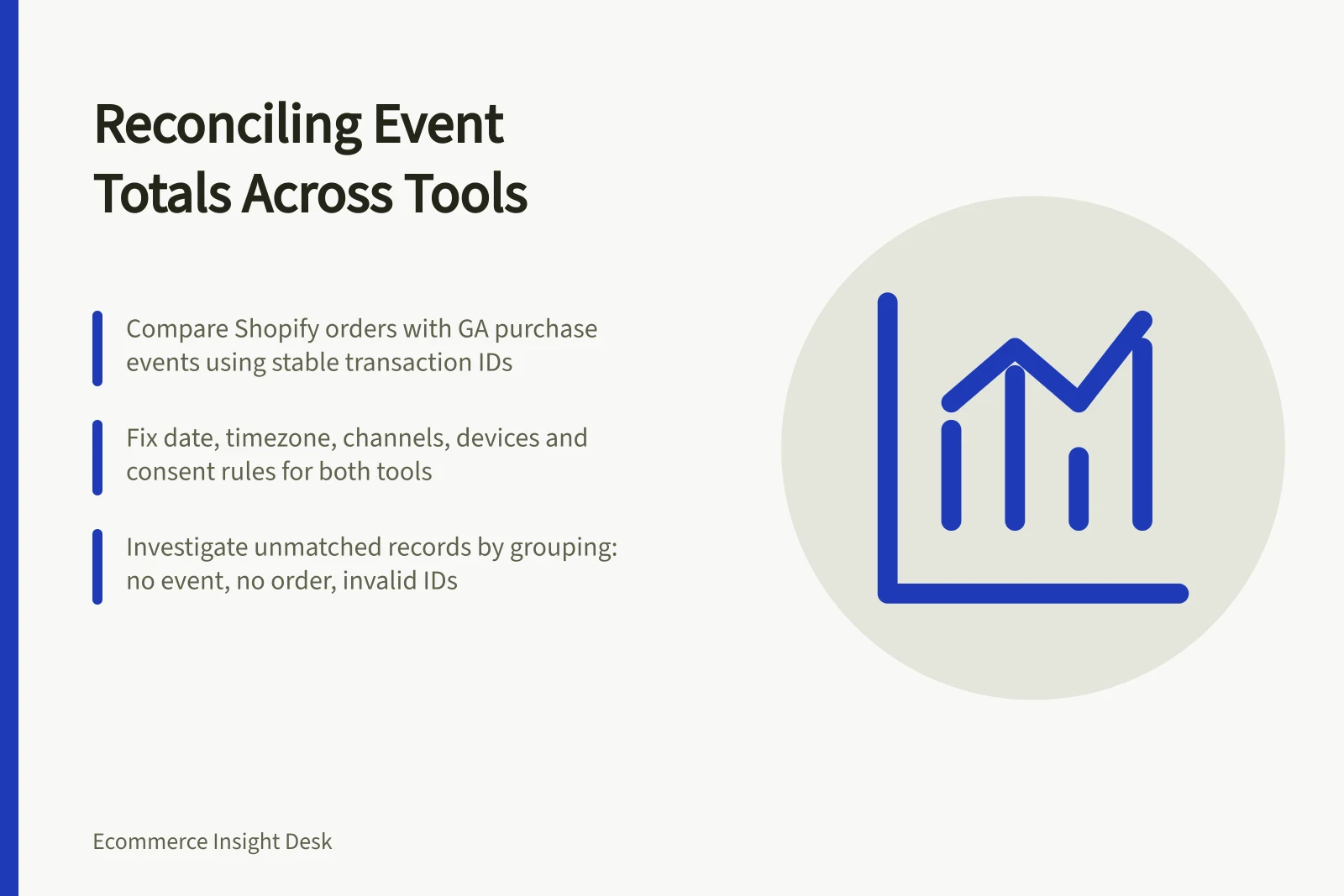
Compare Shopify’s order count with Google Analytics purchase events only after both represent the same action, period and population. Then match records on a stable transaction ID and investigate each unmatched group. A difference calls for investigation; it does not by itself show that either tool is broken.
Define the comparison
Set the comparison as Shopify Orders against Google Analytics purchase events. Shopify defines Orders as the number of orders placed on a given date. The purchase label alone does not say which orders the configured event includes, so record its trigger and counting rule before treating it as an equivalent count.
For both sides, fix the date field, time zone, date boundaries, included channels and devices, qualifying order and test rules, consent treatment and processing state. Record each metric or event definition alongside its total; similar names do not guarantee comparable counts.
Do not substitute Shopify gross sales for an order count: it is product price multiplied by quantity before taxes, shipping, discounts and sales reversals. Shopify states that pending, cancelled and unpaid orders are included in gross sales, while test and deleted orders are not; do not assume those rules define the Orders count.
Use a stable transaction ID available in both record sets, and check that it is populated and not reused. Missing, empty or reused IDs can undermine a match.
Shopify Orders vs Google Analytics Purchase Events: Key Comparison Points
- Metric DefinitionShopify: Number of orders placed on a given date. Google Analytics: `purchase` events triggered by checkout completion.
- Date & Time ZoneMust align to same time zone (e.g., AEST) and date boundaries (midnight to midnight).
- Included Channels & DevicesEnsure both tools include the same sales channels (e.g., web, mobile app) and devices.
- Transaction ID StabilityUse a stable, non-reused transaction ID available in both systems for matching.
- Test & Deleted OrdersShopify includes test and deleted orders in gross sales but excludes them from order counts.
Investigate unmatched records
Select qualifying Shopify order records and the relevant Google Analytics purchase events for the same period. Match them on the stable ID, then group them as matched records, orders without an observed event, events without a qualifying order, and records with missing or invalid IDs. Retain the original totals and count each group.
For an order without an observed event, check for a collection break, filters, consent treatment, differences in channel or device coverage, date boundaries or an event the analytics tool did not observe. For an event without a qualifying order, check test status, order-status differences, an event recorded before the order qualifies, or an ID mapping error. Treat these as hypotheses and inspect records before assigning a cause.
With aggregate-only access, record both totals and their absolute difference. Individual matches, match coverage and causes cannot be tested from aggregate totals alone.
For earlier journey actions such as add_to_cart, establish that both tools define the action the same way. One shopper may add items repeatedly, so an event count is not an order count; compare measures at the grain they represent.
Separate delay from persistent gaps
Shopify sales-report data is up to date, give or take about 1 minute; reopening or refreshing a report can display newer data. Repeat the comparison after the reporting period has settled, using the same cut-off and definitions.
If a gap remains, examine it by date, device, checkout route and release time. Treat a pattern as a clue to investigate, not proof of its cause.
Keep a reconciliation record of the definitions, totals, match coverage where available, verified causes, unresolved records, owner and next check date. Leave unexplained differences visible.
Key Reconciliation Metrics
- Shopify Data Latency
- Up to 1 minute; refresh may show updated totals.
- GA Event Processing Delay
- Typically within minutes; check for delayed processing during peak traffic.