Data Quality
Part of Ecommerce event tracking
Checking product IDs across tracking events
Audit item IDs from product view through purchase. Find parent and variant switches, missing IDs and catalogue mapping changes.
Follow an item from product view through basket, checkout and purchase to check whether its tracked ID keeps the same meaning. A parent-product ID at one stage and a variant ID at another can split one shopping path across different report rows.
Decide what the ID represents
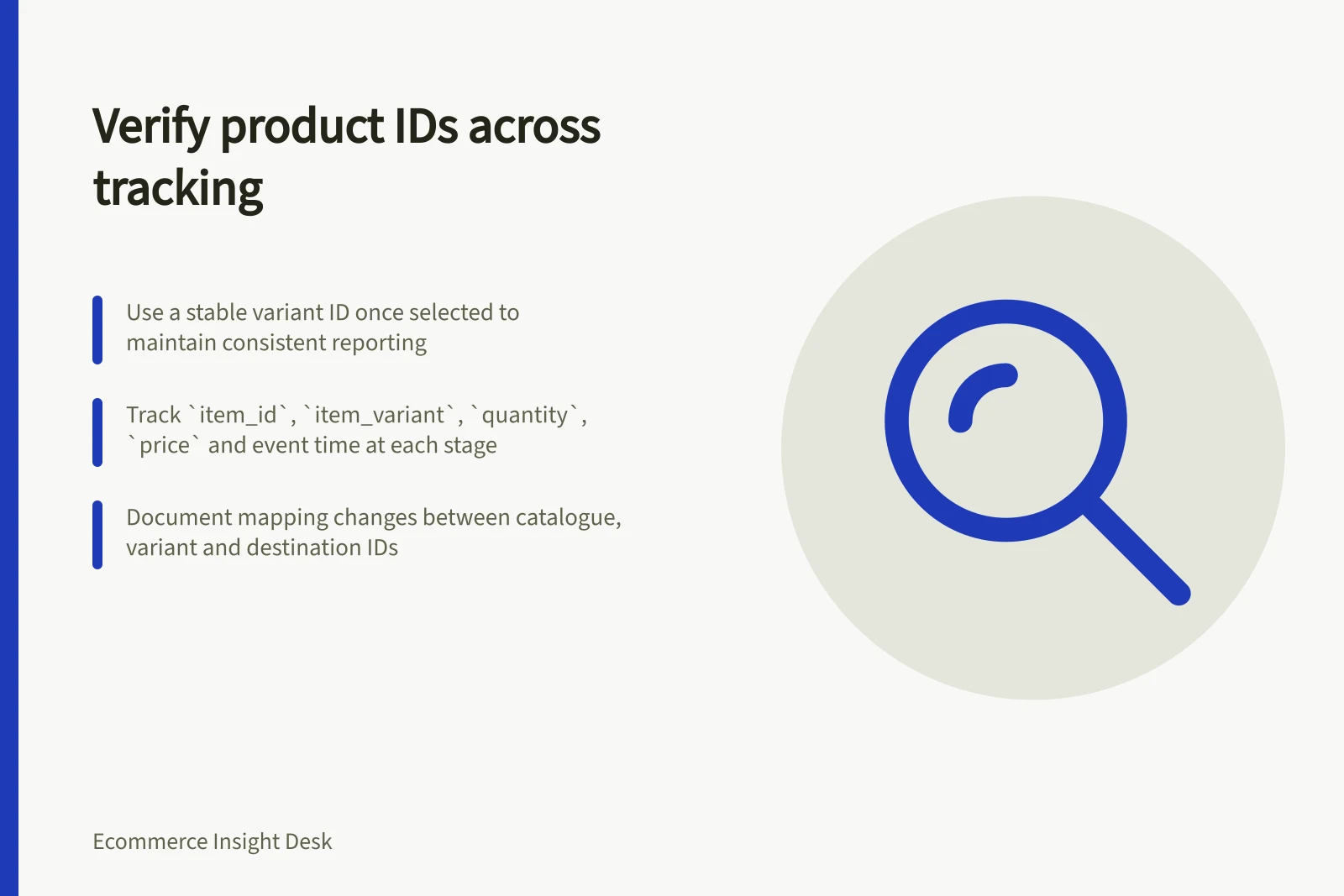
Choose the reporting level first. If the team needs variant-level results, use a stable variant identifier once the variant is known. If it reports by parent product, document how variants roll up and retain variant detail where needed. Do not silently change the meaning of item_id between events.
Use the identifier chosen by your implementation consistently; a product name alone may not be a useful audit key if its value changes.
The GA4 ecommerce guidance describes products and services as items in arrays attached to ecommerce events. Compare the item values sent at each stage when checking identity.
Keep a mapping between catalogue product and variant keys, the emitted item_id, any destination-specific ID and the date a mapping changed. Record the source of each mapping so a feed or integration cannot silently substitute another identifier.
Check a complete item path
Inspect a simple product and a product with variants. Capture the item payload for select_item, view_item, add_to_cart, remove_from_cart, begin_checkout, purchase and refund events where those actions occur.
| Field | Check |
|---|---|
item_id | Does it identify the expected product or selected variant at this stage? |
item_variant | Does it describe the selected option when known? |
quantity | Does it match the action or basket snapshot? |
price and event-level currency | Do they match the stage and source record? |
| Event and time | Did a change follow a shopper selection or basket action? |
A product view can occur before the shopper chooses a size. Treat that early view according to a documented parent-level rule rather than assigning it a variant the shopper had not selected. Once a variant is selected, make its identity consistent across later events or document the mapping between levels.
Check multi-item baskets too: each entry in items needs its own identity. The purchase transaction_id identifies the order, not a product within it.
Classify mismatches
Separate missing IDs, parent-to-variant changes, reused IDs, stale catalogue mappings and genuine shopper changes. A different purchased item can be correct if the shopper changed colour or replaced an item in the basket. Review the intervening actions before calling it a defect.
For a catalogue ID change, preserve the old-to-new mapping and its effective date. Earlier events retain the ID originally sent. A report may group both under a documented reporting key while preserving the original event values for audit.
Monitor missing and unmapped IDs after catalogue, theme and integration changes. A consistent item ID makes item-level analysis possible; it does not establish that purchase events or amounts are otherwise correct.