Measurement Planning
Part of Product performance analytics
Comparing product views with actual purchases
Compare product-view and purchase counts, identify when a viewer-to-buyer rate is possible, and investigate gaps without mislabelling the measure.
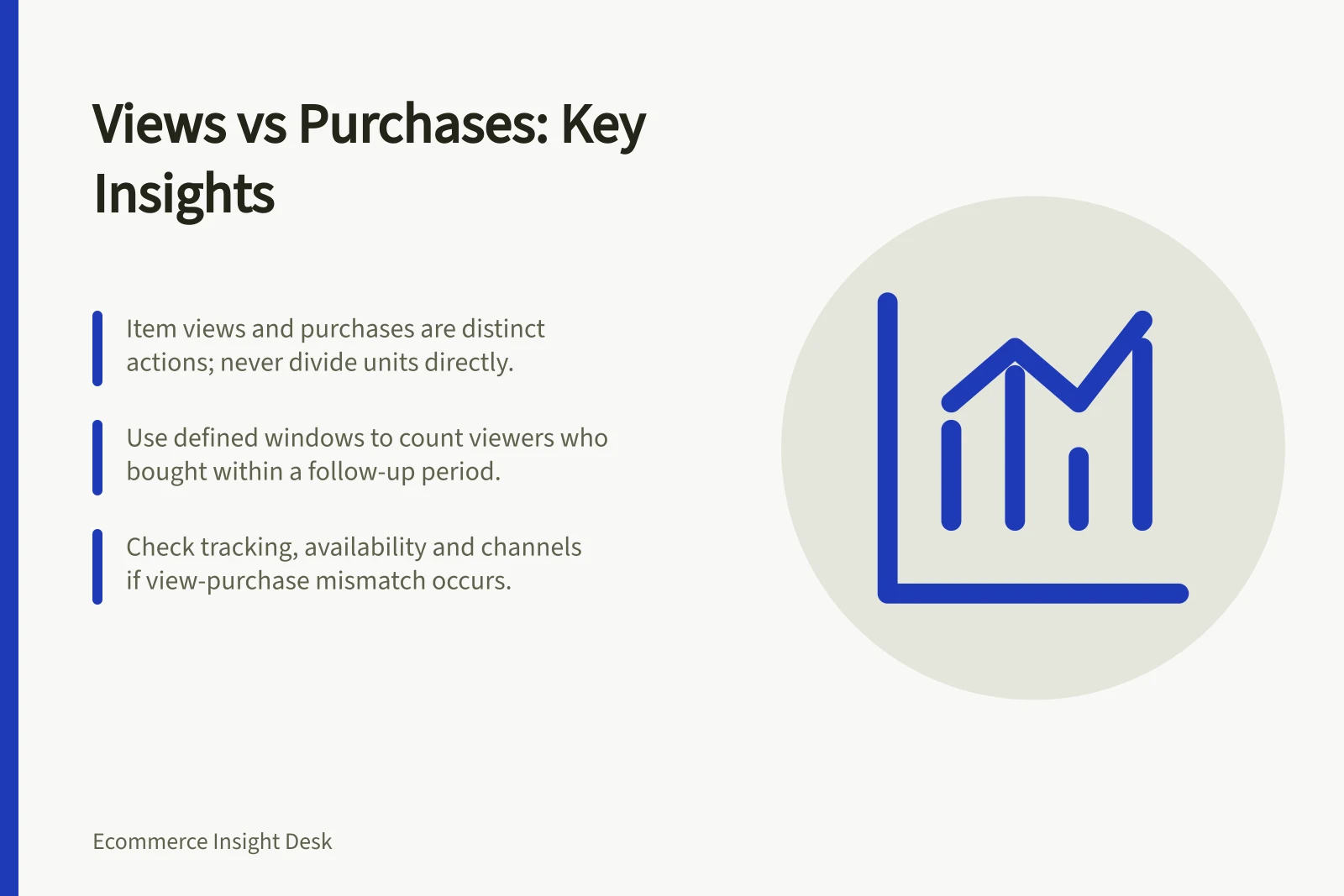
Compare product views with purchases by deciding whether you need an activity comparison or the share of viewers who later bought. Aggregate item views and purchased units can flag products to investigate. On their own, they cannot supply a viewer-to-buyer rate.
Keep the counts distinct
A product view and a purchase are different recorded actions. Item counts can reflect quantities and repeated interactions. An order containing an item is a third unit: one order may hold several units.
Place observed item views beside purchased units, qualifying store orders containing the item, and product sales. Label every column. Never describe purchased units divided by item views as a viewer-to-buyer rate: a shopper can view repeatedly or buy more than one unit.
To ask what share of viewers bought, define distinct eligible viewers, a qualifying purchase and a follow-up window. Count viewers with an observed product view, then those with a linked qualifying order containing that product within the window.
This requires permitted, sufficiently complete identity and order linkage. If that linkage is unavailable, leave the viewer-to-buyer rate uncalculated.
Product Views vs Purchased Units: Key Metrics Comparison
- Item Views (Aggregated)Count of all product views, including repeated interactions
- Purchased UnitsNumber of units sold in completed orders
- Qualifying Orders (Containing Item)Orders with at least one instance of the product, excluding pending or unpaid
Steps to Calculate Viewer-to-Buyer Rate (Where Possible)
- Define eligible viewersIdentify distinct users who viewed the product detail page within a defined window
- Set qualifying purchase criteriaDefine a completed order containing the product, with payment confirmed
- Calculate rateDivide number of buyers by number of unique viewers; report as percentage
Compare the same product and period
Use a consistent reporting time zone, sales channel and product mapping. Keep category-list exposure separate from product-detail views: choosing an item from a list and viewing its details are different actions. If a parent-product view precedes a variant-level purchase, roll purchases up under a documented product key rather than assigning the earlier view to a size the shopper had not selected.
State whether purchases must occur in the view period or can arrive during a later follow-up window. A view on the final day may lead to an order after the period closes. Shopify sales reports include pending and unpaid orders, so an analysis of paid or completed purchases needs an appropriate order-level rule.
Check that item-detail views and purchases are actually collected on the routes being analysed. GA4 does not collect ecommerce events automatically.
Key Considerations for Accurate Product Performance Analysis
- Time Zone Consistency
- Use same time zone across analytics and sales platforms (e.g., AEST)
- Sales Channel Alignment
- Compare data from same channel (e.g., Shopify online store only)
- Product Mapping
- Use documented product keys; roll up variant purchases under parent product
- Order Status Filtering
- Exclude pending or unpaid orders when measuring actual purchases
Investigate a mismatch
Many observed views and few qualifying purchases warrant checks of availability, price, delivery information and the traffic reaching the product. Purchases with few observed views may involve an unobserved route, another sales channel or incomplete tracking. Treat each as a possibility until records support it.
Show the underlying counts, unmatched records where matching is permitted, and the observation window. Compare the same product across suitable periods, or products with similar selling conditions. Finish with one check to make, then repeat the comparison under the same definitions.
Investigation Checklist for Mismatched Views and Purchases
- Check product availabilityConfirm stock levels and backorder status at time of view
- Review pricing and delivery detailsVerify price accuracy and shipping cost transparency on product page
- Audit traffic sourcesIdentify if traffic comes from untracked channels (e.g., social media direct links)
- Check tracking implementationEnsure GA4 ecommerce events are properly implemented on product pages
- Assess cross-channel activityDetermine if purchases originated from other platforms (e.g., in-store, app)