Data Quality
Part of Ecommerce revenue and margin analytics
Reconciling analytics revenue with store orders
Reconcile GA4 purchase value with store orders by aligning the order population, revenue metric, discounts, refunds, currency and dates.
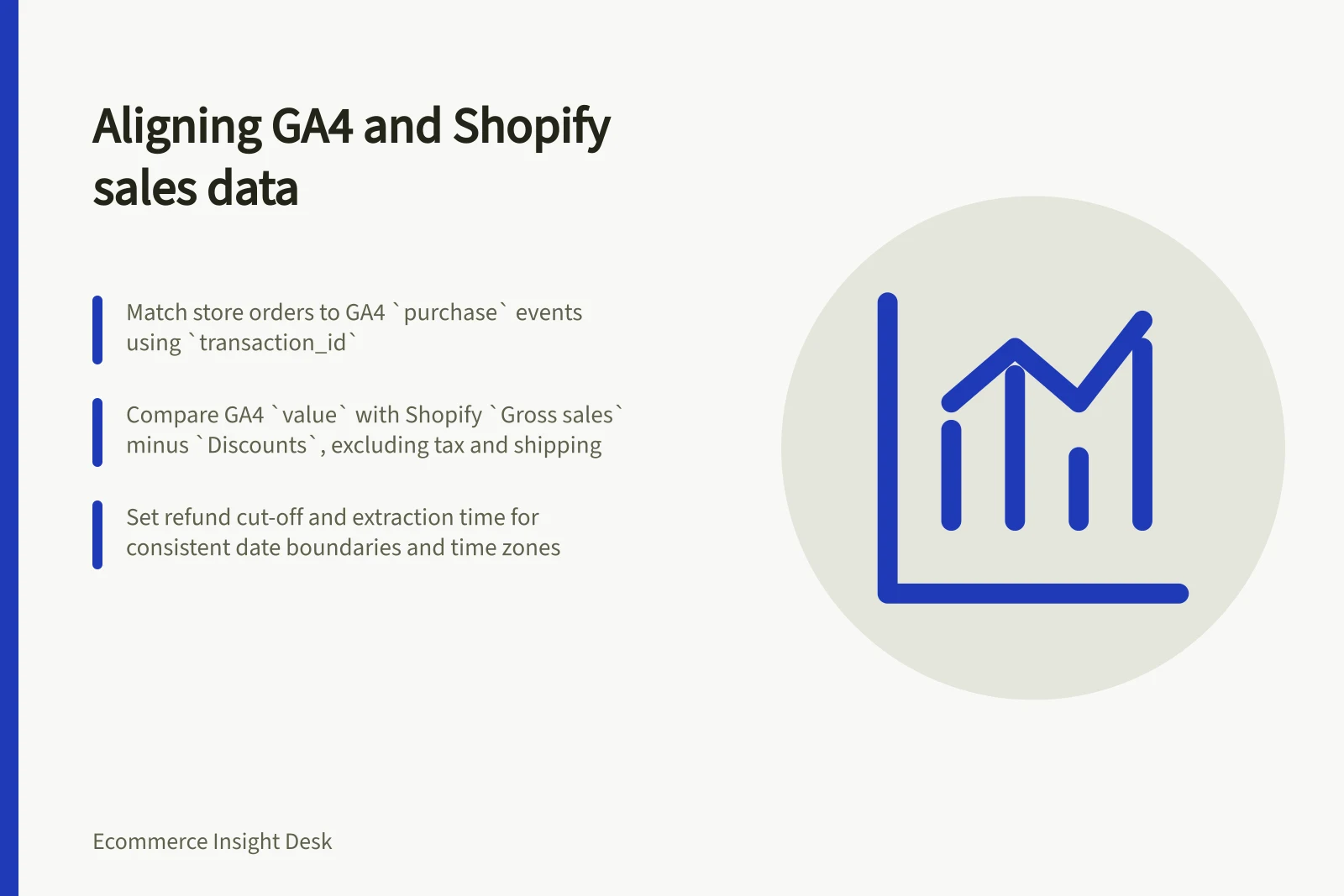
Match each qualifying store order to its GA4 purchase event using the transaction identifier, then compare like-for-like merchandise value. On GA4, use the event value; on Shopify, compare Gross sales less Discounts, excluding tax, shipping and later adjustments. Set the date boundaries and refund cut-off before comparing totals.
Set the value comparison
Record the date range, time zone, currency, sales channel, qualifying order statuses, test-order rule and extraction time. Decide whether you are comparing purchase-time value or retained value after later adjustments, and apply the same order-population rules to both sides.
For GA4, compare the value parameter on purchase events. Google defines it as the sum of item price multiplied by quantity, excluding tax and shipping; the sent item price should already reflect the discounted unit price.
The item discount parameter is not automatically subtracted from price. In Google’s example, three items at USD 8.00 and one at USD 17.60 produce a value of USD 41.60.
In Shopify, open Analytics > Reports and filter the Category to Sales. The sales-report metric Gross sales is product price multiplied by quantity before taxes, shipping, discounts and sales reversals; Discounts combines line-item discounts and the order-level discount share.
Where the components are available per order, compare GA4 value with Shopify Gross sales less Discounts. Shopify gross sales includes pending, cancelled and unpaid orders, but excludes test and deleted orders, so set the qualifying-order rule explicitly.
Shopify sales reports are up to date to within about 1 minute. Record the extraction time and refresh the report before using its total.
GA4 Purchase Value vs Shopify Gross Sales Less Discounts
- GA4 `value` parameterSum of item price × quantity (excl. tax, shipping); discounted unit price already reflected
- Shopify `Gross sales` less `Discounts`Product price × quantity (excl. tax, shipping, refunds); includes line-item and order-level discount share
Explain matched-order value differences
Keep one row per qualifying store order and its corresponding GA4 purchase record wherever record-level data and usable identifiers are available. Match the store order identifier to the same unique value sent as GA4 transaction_id, using exact identifier equality.
For each matched order, retain both amounts and calculate the difference between GA4 value and Shopify Gross sales less Discounts. Keep unmatched orders and value visible rather than blending them into the matched-order difference.
| Group | Value question |
|---|---|
| Matched order and event | Do item price, discount, currency, tax, delivery and purchase date follow the same rules? |
| Store order without an event | How much qualifying store value has no observed purchase record? |
| Event without a qualifying order | What value lacks a matching order under the chosen status and test rules? |
| Missing or repeated ID | What value cannot be matched reliably? |
These groups identify exceptions, not causes. Inspect representative records before attributing a difference to tracking. If record-level analytics data is unavailable, compare defined aggregates and state that individual value matches were not checked.
Use a unique transaction ID for each order where the implementation supports one. Google provides guidance on minimising duplicate key events with transaction IDs. If an identifier is empty or reused, inspect the ID setup rather than treating it as proof that a particular order was lost.
Key Metrics for Revenue Reconciliation
- GA4 `purchase` events
- Count of recorded events with valid `transaction_id`
- Shopify qualifying orders
- Orders with status = completed, fulfilled or shipped; excludes test and deleted
- Unresolved value difference
- Total discrepancy after all explanations applied; requires further audit
Account for later adjustments
For the purchase-time comparison, select GA4 purchase events and Shopify orders placed within the same date boundaries and time zone. Record the extraction time on both sides; Shopify sales reports can be refreshed to display newer data.
Shopify defines adjustments as edits, exchanges or returns made after an order is initially created. Sales reversals are order adjustments that result in negative monetary value, so keep these later changes out of the original purchase-time comparison.
For a retained-value comparison, state the refund cut-off and follow the same order cohort through it. Include only refunds GA4 actually received, and do not deduct recorded GA4 refunds a second time.
Mark an early extract provisional and repeat the comparison under the same rules. Close with both source totals, matched order count and value, explained value differences, unresolved value, the adjustment cut-off and the next check date.