Revenue Analytics
Part of Ecommerce acquisition attribution
Avoiding double-counted revenue across channels
When several platforms claim credit for one order, adding their reported revenue can exceed the store's actual sales.
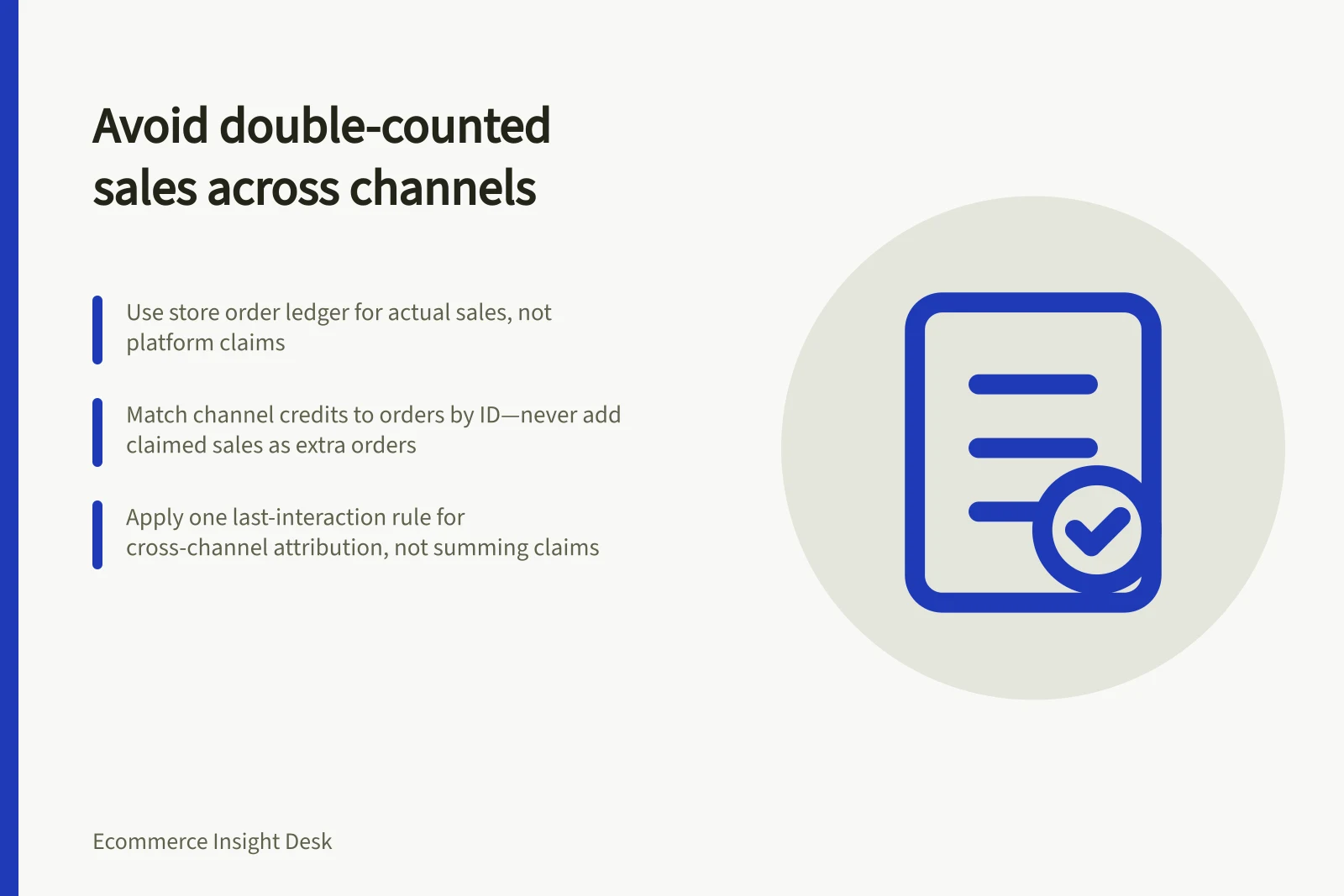
Use the store’s order ledger for actual sales, and keep platform-attributed credit separate. Match channel claims to orders where possible, but never add a claimed sale to the store total as though it were another order.
Establish one order ledger
Choose a period and order status in the commerce backend. Record confirmed orders, refunds and cancellations, and apply a consistent tax and shipping treatment; keep each order once under its order identifier.
In Shopify admin, open Analytics > Reports and filter Category to Marketing. These reports summarise Online Store channel orders; use Conversion tracking for visit or conversion information about one order.
For DTC, use backend order and revenue data such as Shopify, WooCommerce or a CRM. If Amazon sales belong in the business total, include revenue from Seller Central separately; match channel records to the ledger by order identifier where permitted, noting that missing transaction IDs can obstruct matching.
Shopify categorises referrers as first or last interaction, and a customer can visit through different referrers before purchasing. Keep that channel credit separate from the store’s order total.
Steps to Avoid Double-Counting Revenue Across Channels
- Establish a single order ledger in your commerce backend (e.g., Shopify, WooCommerce, CRM)
- Record confirmed orders, refunds and cancellations with consistent tax and shipping treatment
- Match channel attribution data to the ledger using unique order identifiers where possible
- Never add platform-reported revenue to store totals as additional sales
- Use last-interaction attribution for cross-channel allocation only
Compare claims without summing them
Show store revenue separately from each channel’s attributed revenue, with the source, model, attribution window and matched-order coverage. Compare like periods, and check event dates, currency conversion and window settings rather than assuming platforms use the same conventions.
Google Ads, Meta Ads Manager, Amazon Ads and Klaviyo can each claim credit under their own reporting rules. Record the settings actually in use: one example lists Meta 7-day click and 1-day view, Google data-driven with a 30-day window, and Klaviyo 5-day click and open; do not assume these are your account’s settings.
If you need one cross-channel allocation, use one last-interaction rule: give each matched order’s credit only to the referrer used just before purchase, and do not credit that order to another channel. Shopify defines this as the last interaction; label the result as attribution credit, not proof that the channel caused the sale.
For example, Google Ads reports 80 conversions, Meta Ads Manager 65 and Microsoft Advertising 30: 175 claimed conversions against 95 actual sales in the backend, an 84% overcount. These are conversion counts, not revenue figures; the gap is a reason to check overlap, missing transaction IDs, and pixel and server events without deduplication.
Reconcile regularly and after tracking changes. Investigate mismatches before judging campaign performance; platform-attributed revenue is a credit claim, not an additional amount to add to store sales.