Data Quality
Part of Ecommerce dashboard design
Showing data freshness in a store report
A report without an update time can make yesterday’s incomplete data look final. Show when each source was last processed and whether the current period may still change.
A report without an update time can make yesterday’s incomplete data look final. Show when each source was last processed and whether the current period may still change.
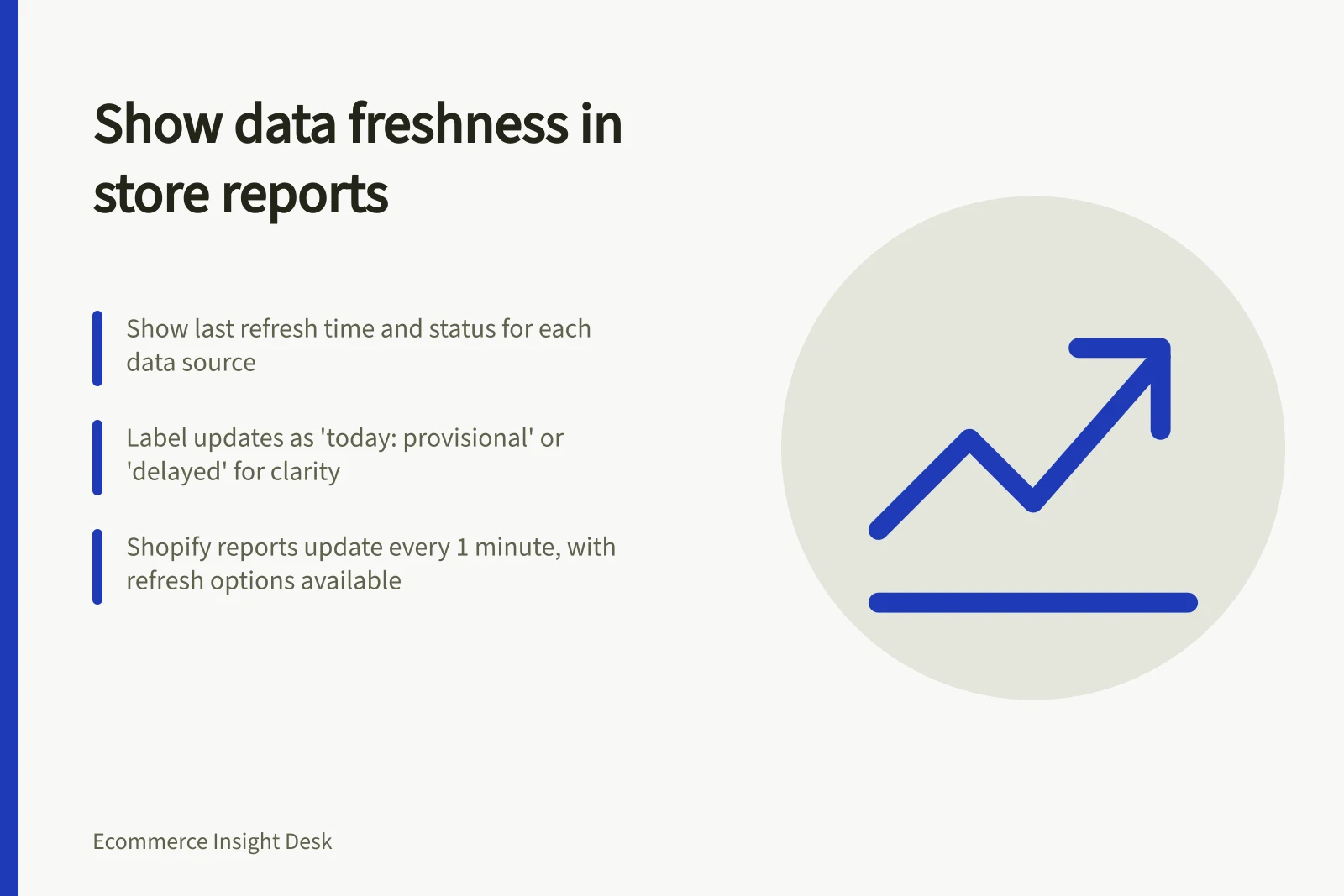
Add source, time zone, last successful refresh and status to the dashboard. Use plain labels such as “today: provisional” or “sales source delayed” rather than a small warning icon with no explanation.
Where the store and analytics platform refresh at different times, label them separately. A blended chart can otherwise imply that all lines are equally current.
Shopify says sales reports are up to date, give or take about 1 minute, and can be reopened or refreshed to display newer data. Its analytics guidance also notes that data can sometimes be temporarily incomplete or delayed, with an alert icon on affected reports and metrics.
Use those vendor details as a prompt to inspect your own pipeline. Do not copy their timing as a guarantee for a custom dashboard.
When a refresh fails, retain the last known timestamp instead of silently presenting old data as new. Record who receives the alert and what decisions should pause until the feed recovers.
After recovery, note whether historical values were backfilled. Recheck any conclusion made from the incomplete period.
Data Freshness Indicators for Store Reports
- Last Successful Refresh
- Today: provisional
- Refresh Frequency
- Up to 1 minute delay
- Status Indicator
- Sales source delayed