Data Quality
Part of Basket and merchandising analytics
Identifying search terms that return no useful products
Find onsite searches with empty or weak results, inspect the products shown and choose a measured fix.
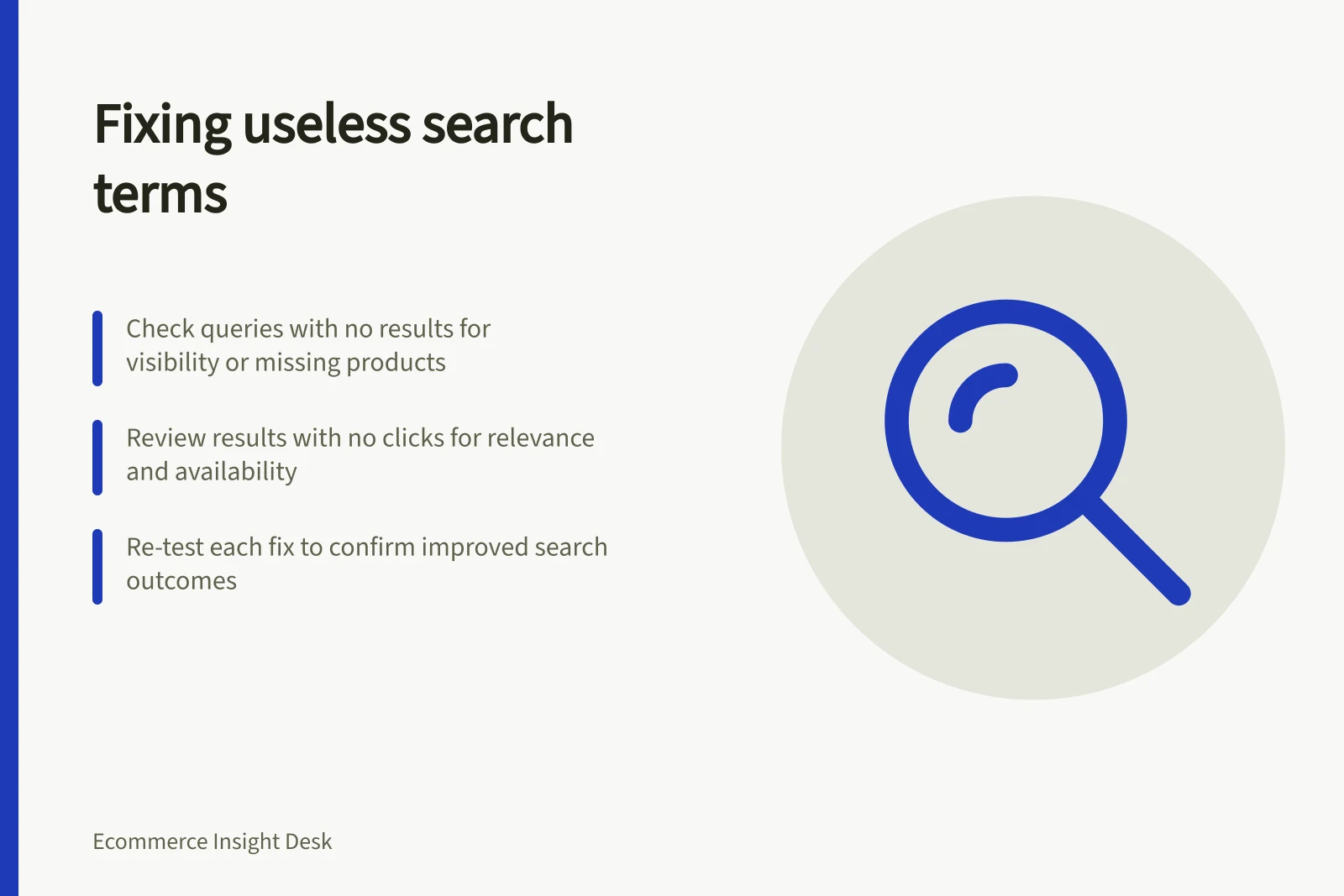
Find unhelpful onsite search terms by combining report signals with an inspection of the results shoppers could see. Start with queries returning no results, then examine queries with results but no clicks. A returned item may be unsuitable, while a missing click alone does not prove that it is.
Key Reporting Sources for Search Analytics in Australia
- Shopify Behaviour Reports
- https://help.shopify.com/en/manual/reports-and-analytics/shopify-reports/report-types/default-reports/behaviour-reports
- Shopify Search & Discovery Analytics
- https://help.shopify.com/en/manual/online-store/storefront-search/search-and-discovery-analytics
- Shopify Search Behaviour Guide
- https://help.shopify.com/en/manual/online-store/storefront-search/search-behavior
Separate the signals
| Signal | What it shows | Next check |
|---|---|---|
| No results | The recorded query returned nothing under the report's rules. | Check product visibility, wording and whether the range contains a match. |
| Results but no clicks | Results appeared without a recorded result click. | Inspect relevance, order, availability and result type. |
| Click followed by another search, if the journey is tracked | The shopper continued searching. | Inspect the first result without assuming why the search continued. |
Shopify reports no-result searches and no-click searches separately. Its Search & Discovery reports cover results-page activity but exclude predictive-search interactions.
Record the extract date for any query set you export. A journey-level follow-up search requires suitable event data; standard query totals alone do not establish that sequence.
Inspect the query and results together
Keep the original search wording even if spelling variants are grouped for reporting. Label volume as sessions or searches according to the source measure.
Prioritise frequent or commercially important terms. Retain a less frequent term if it exposes a clear broken rule or missing item.
Review the full results page in the relevant market and language. Check whether the expected product exists, is published and available, and appears where a shopper could reasonably find it.
Distinguish product, page and article results. Compare the full results page with predictive search only as separate experiences. For Shopify's built-in search, a third-party search app or theme request may change which settings apply.
Shopify notes you can influence results through your product data and the Search & Discovery app, but you cannot change how results are ordered. Product boosts are not applied when a search query contains search syntax. Changing search presentation cannot fill a genuine assortment gap.
Recheck the fix
For each query, record the diagnosed issue, intended change and owner.
Repeat the exact search after the change and inspect the displayed results.
Compare the same report signal over a suitable period. Allow for reporting delay, traffic changes and stock changes.
A rise in clicks is an interaction result; it does not by itself establish better product fit or additional sales.