Funnel Analysis
Part of Basket and merchandising analytics
Comparing category navigation paths
Compare category routes from a defined entry task to relevant products, with clear counting rules and path-analysis limits.
Compare category paths for the same shopper task and a defined entry population. Trace how shoppers reach relevant product details from a menu or category page, then examine qualifying orders. A route with a higher purchase rate is not necessarily better if its entrants came with different intentions.
Define the routes
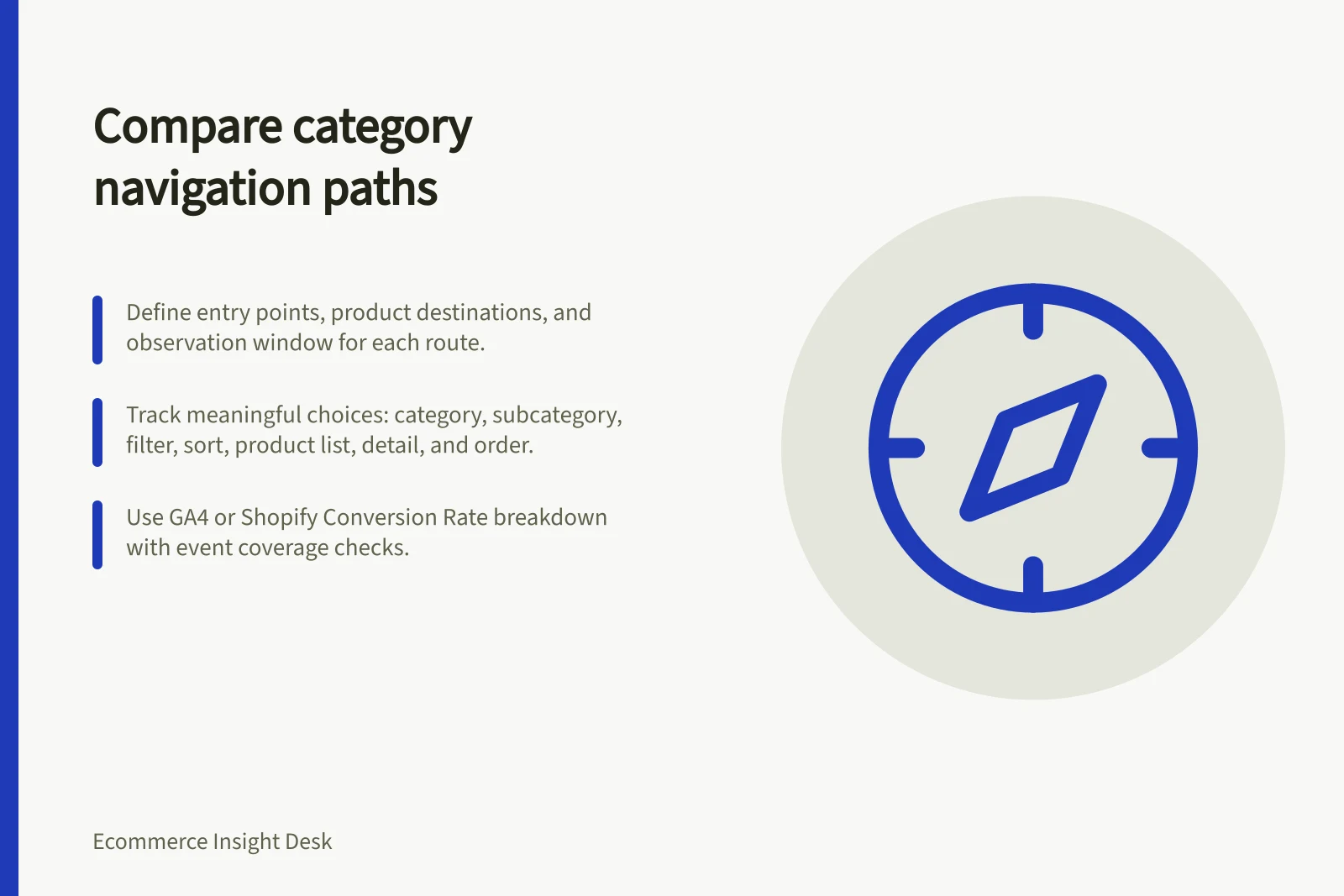
Name each entry point, relevant product destination, counting unit and observation window. Keep direct product landings and onsite-search journeys separate unless the question includes them. Decide whether a later session can complete the journey.
Record the meaningful choices the available data can observe: category, subcategory, filter or sort, product list, product detail and order. A page view does not reveal every menu click. In GA4, ecommerce events can measure actions such as selecting an item from a list or viewing item details when those events have been implemented. Check actual event coverage before relying on either measure.
Compare reach before purchases
For each entry route, show eligible entrants, entrants who reached a product relevant to the task, and qualifying orders under one rule. Define relevance before reviewing the paths. Keep entrants who never reached a product in the population; analysing purchasers alone would hide navigation friction. Show counts alongside rates and note product availability, price and promotion differences.
Inspect the storefront as well as the event data. A short path to an unsuitable item is not an improvement. Repeated steps or returns to a category page are prompts for inspection, not proof of confusion.
Read the path tool correctly
When using a path analysis tool such as GA4 path exploration, check the current documentation before interpreting its output. Do not read a count from such a tool as a session count or a complete account of one shopper's motivation.
Record the selected metric; do not read a count as a session count or a complete account of one shopper's motivation. A purpose-built route analysis may be needed if the decision requires session-level comparisons.
Shopify's Conversion rate breakdown counts sessions through cart additions, checkout and completion stages. Check whether it includes the route detail your question requires before relying on it for that purpose.
Choose a navigation change supported by the observed route and storefront inspection, such as a clearer label or an easier path to a relevant collection. Repeat the same comparison after the change. Without a suitable comparison group, describe the result as an observation rather than an established effect.